
Screenshots
A look around
Tiki Head 0.1 running live from the ISO, and the art drawn for it.
On screen
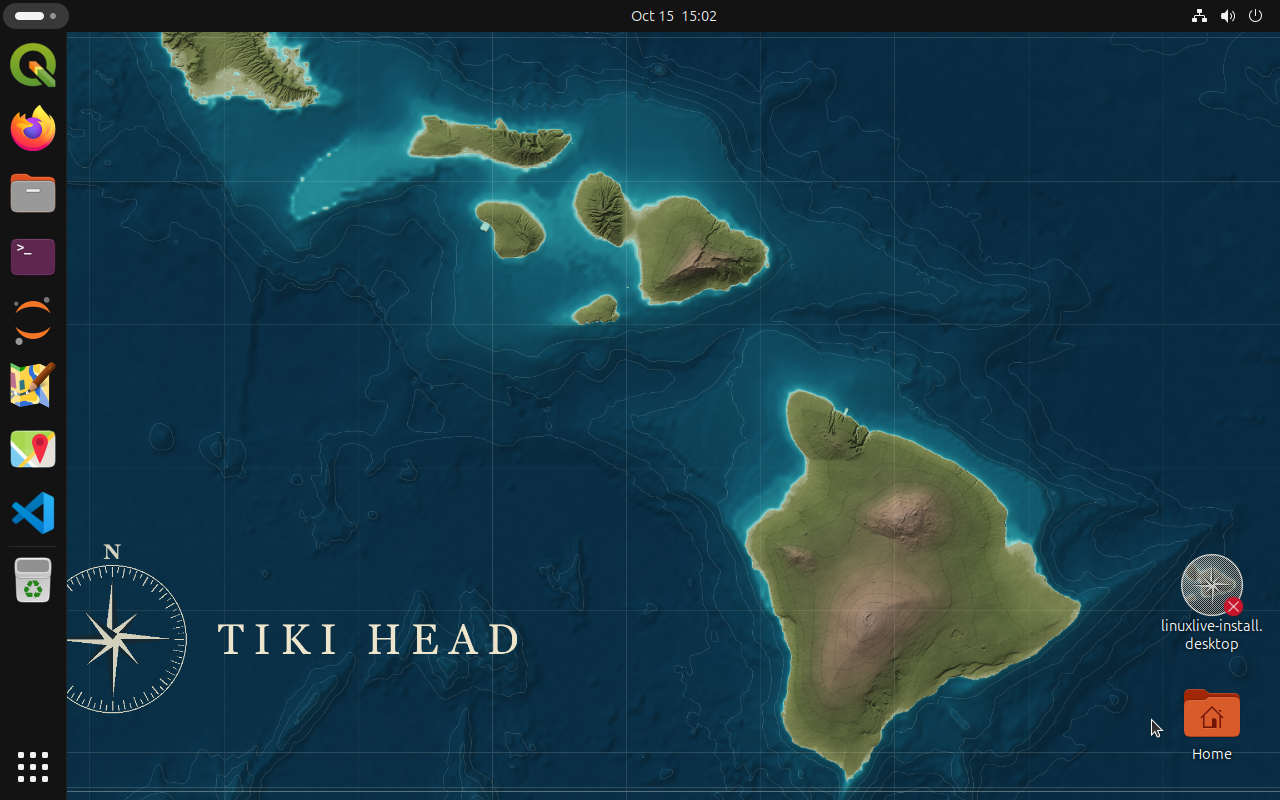
The desktop Screenshot
Booted from a USB stick, straight to the desktop. The GIS tools are already in the dock, and the installer and your Home folder sit on the right.
Captured by the linuxlive build test of Tiki Head 0.1, 15 October 2026. Full size
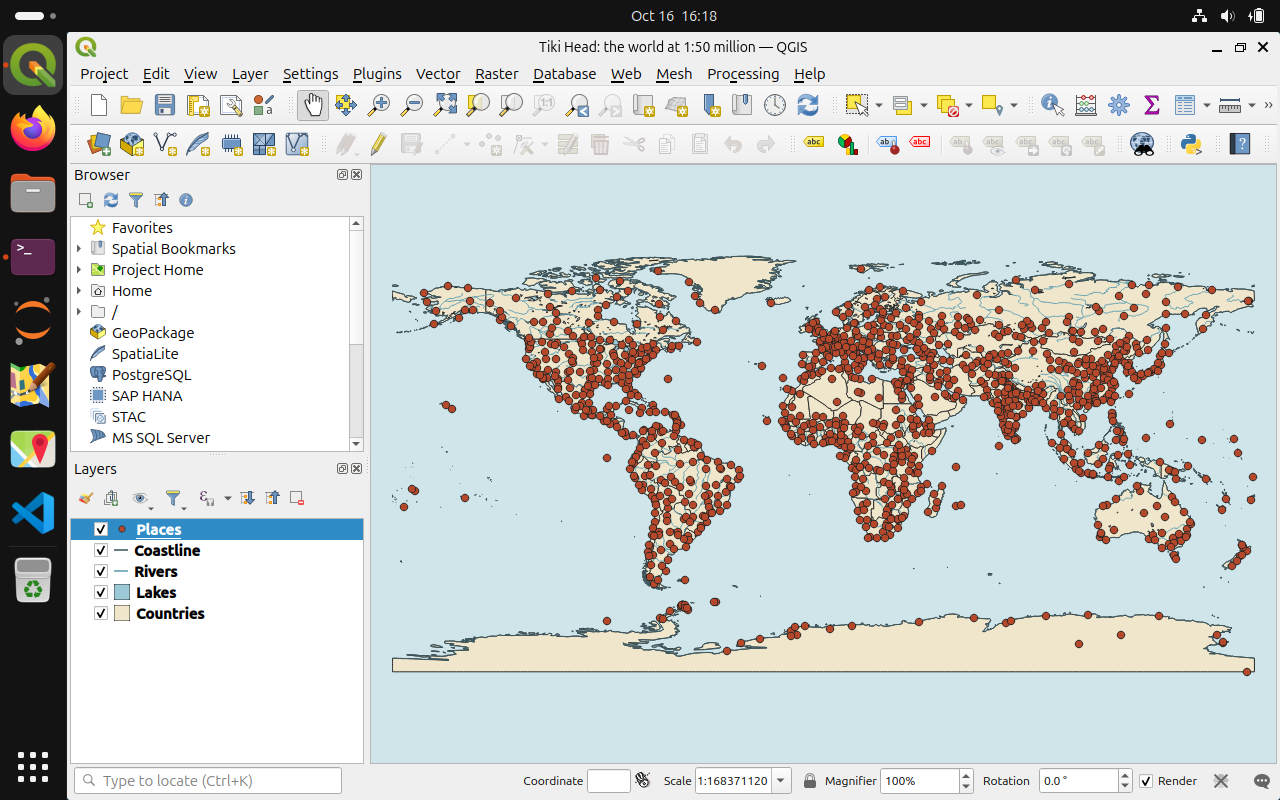
QGIS with the sample world map Screenshot
The sample project: Natural Earth’s world at 1:50 million, styled like a chart, in QGIS 3.40.
Captured in the Tiki Head 0.1 live session, 16 October 2026. Full size
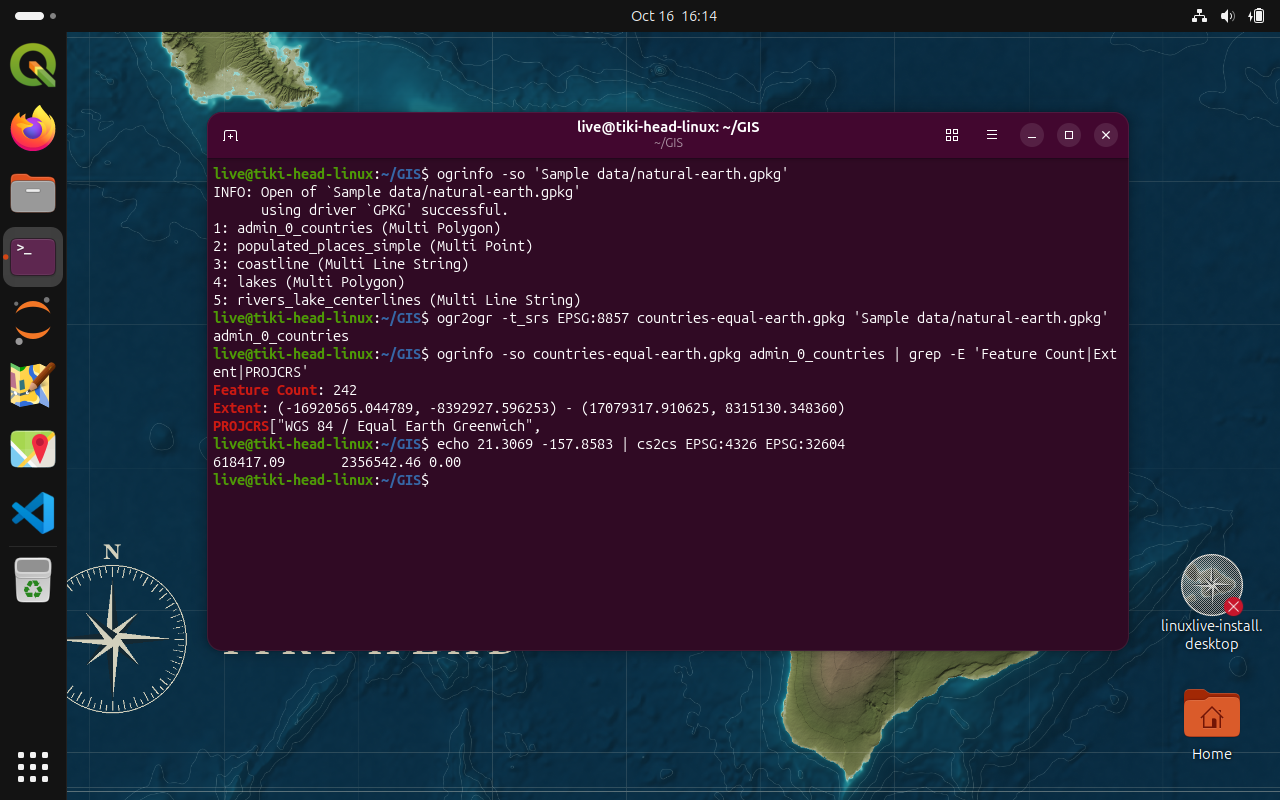
GDAL and PROJ in the terminal Screenshot
ogrinfo, ogr2ogr and cs2cs at work on the sample data, as in the how-tos on the applications page.
Captured in the Tiki Head 0.1 live session, 16 October 2026. Full size
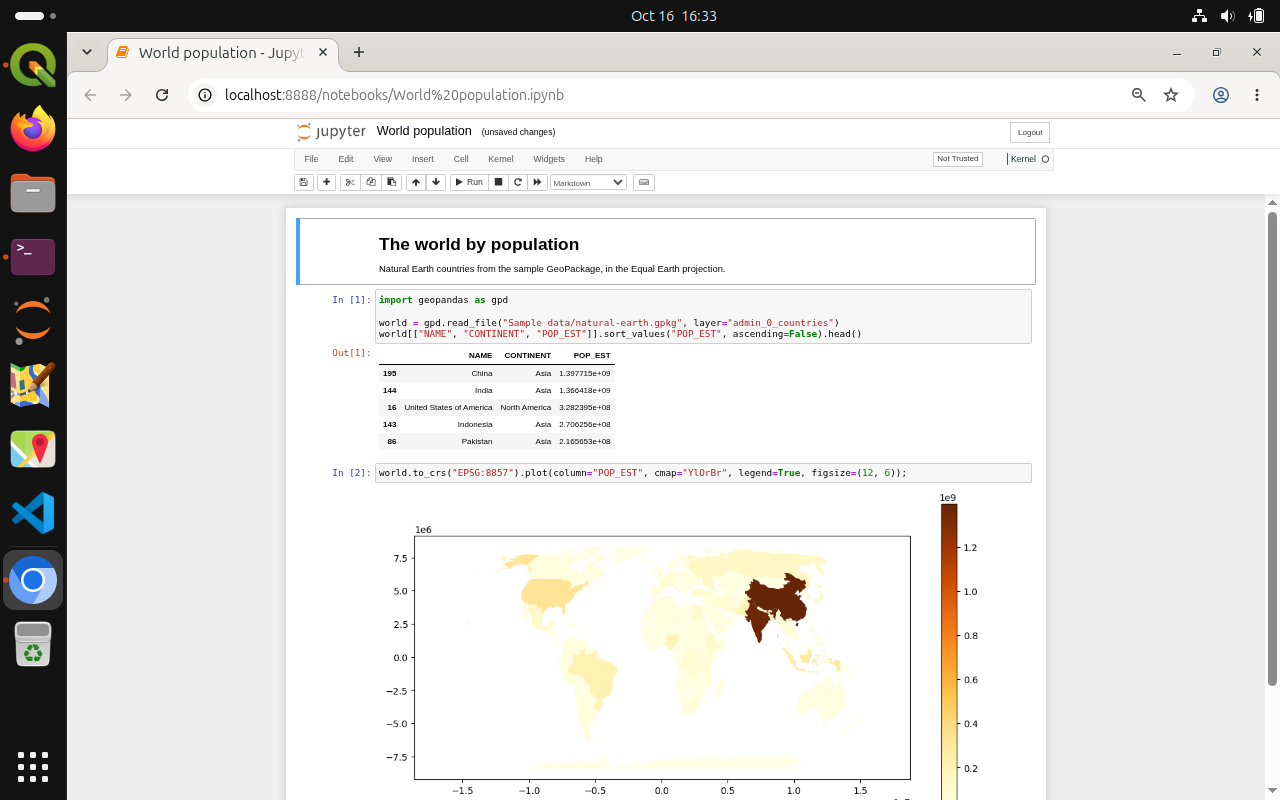
A notebook in Jupyter Screenshot
GeoPandas reads the sample GeoPackage and maps the world’s population in two cells.
Captured in the Tiki Head 0.1 live session, 16 October 2026. Full size
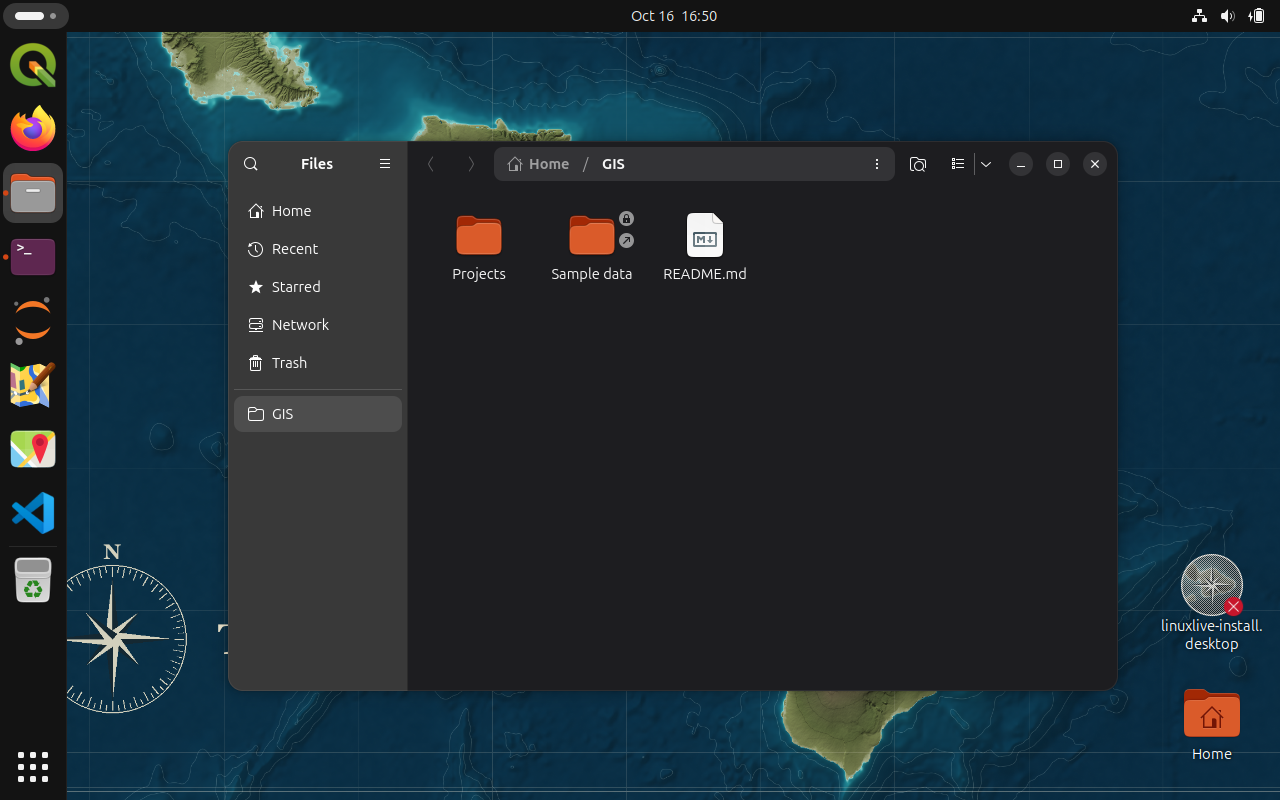
Your GIS folder Screenshot
Made at first login and bookmarked in Files: the sample data, a Projects folder and a short guide.
Captured in the Tiki Head 0.1 live session, 16 October 2026. Full size
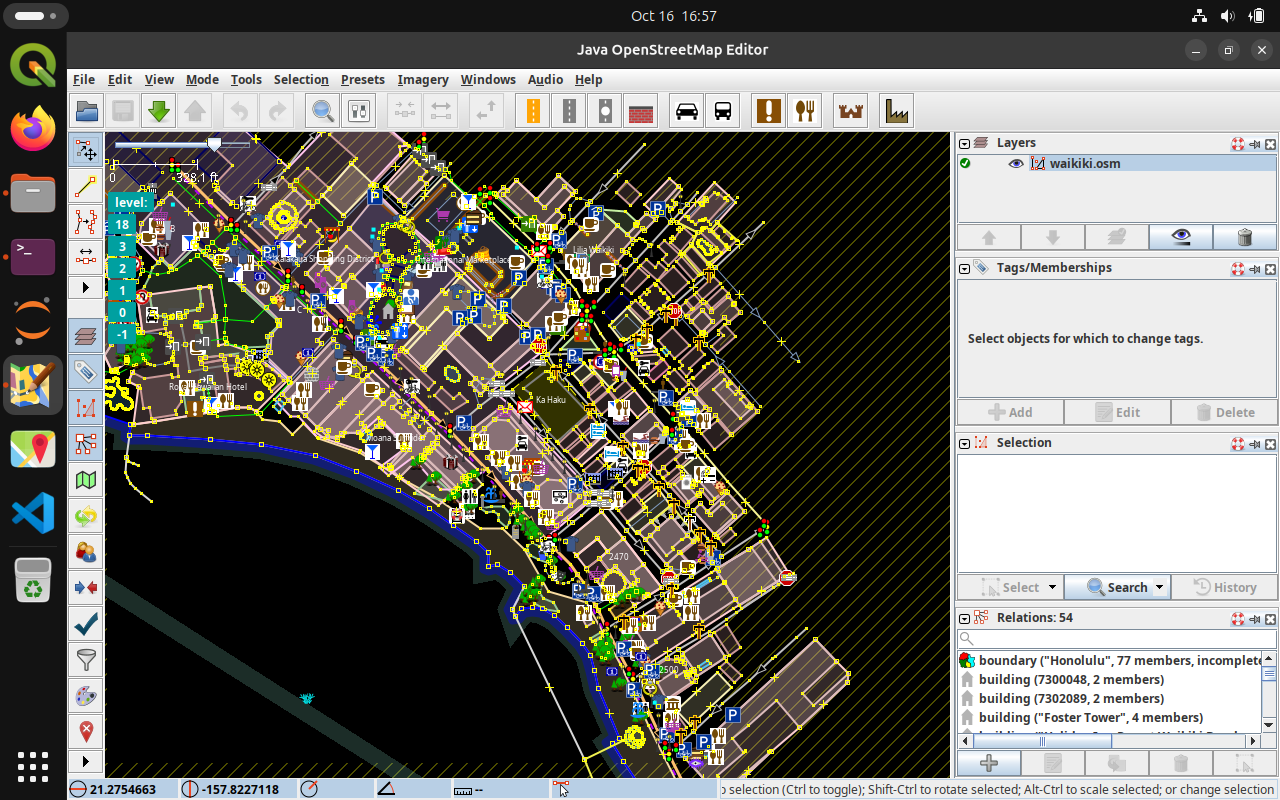
JOSM editing OpenStreetMap Screenshot
A few blocks of Waikiki downloaded from OpenStreetMap and opened in JOSM, ready to edit.
Captured in the Tiki Head 0.1 live session, 16 October 2026. Map data © OpenStreetMap contributors, ODbL. Full size
Artwork
Free to use under CC0.
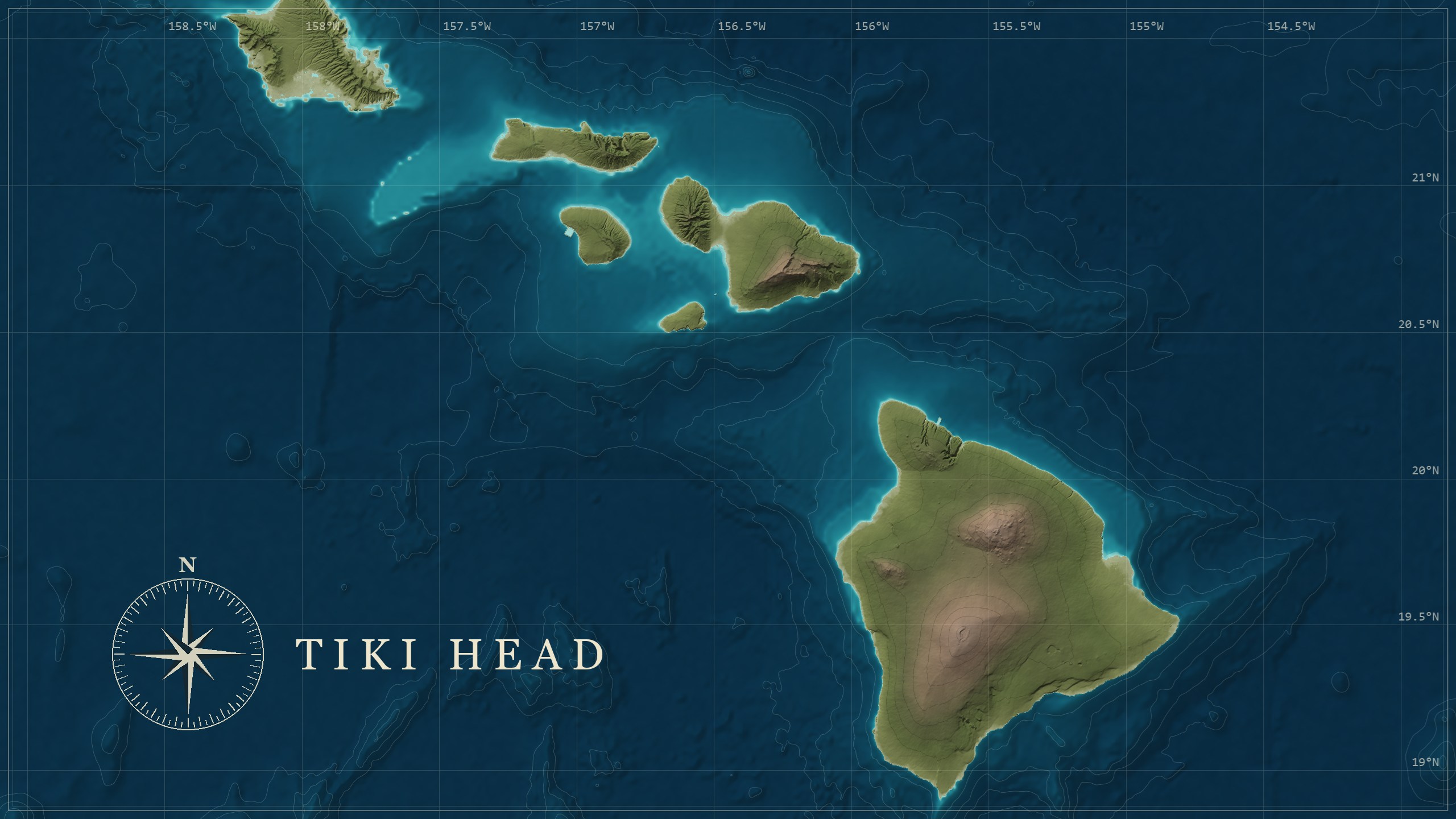
The wallpaper Artwork
A nautical chart of the Hawaiian Islands, drawn from real elevation data. Free to use (CC0); the full-size link is 2560 by 1440.
Terrain Tiles on AWS Open Data: USGS on land, NOAA ETOPO1 at sea, both public domain. Full size
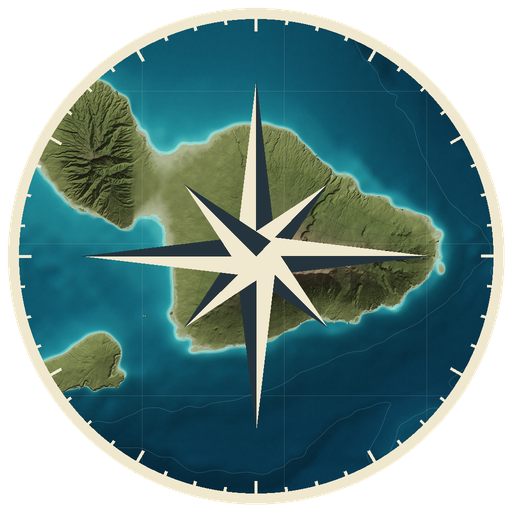
The logo Artwork
A compass rose over Maui. It is the distro’s logo, and it is the one on the login screen.
Drawn in code for Tiki Head Linux, CC0. Full size
See the rest for yourself
The quickest tour is the live session: start it in a virtual machine or from a USB stick, and nothing on your computer changes.