
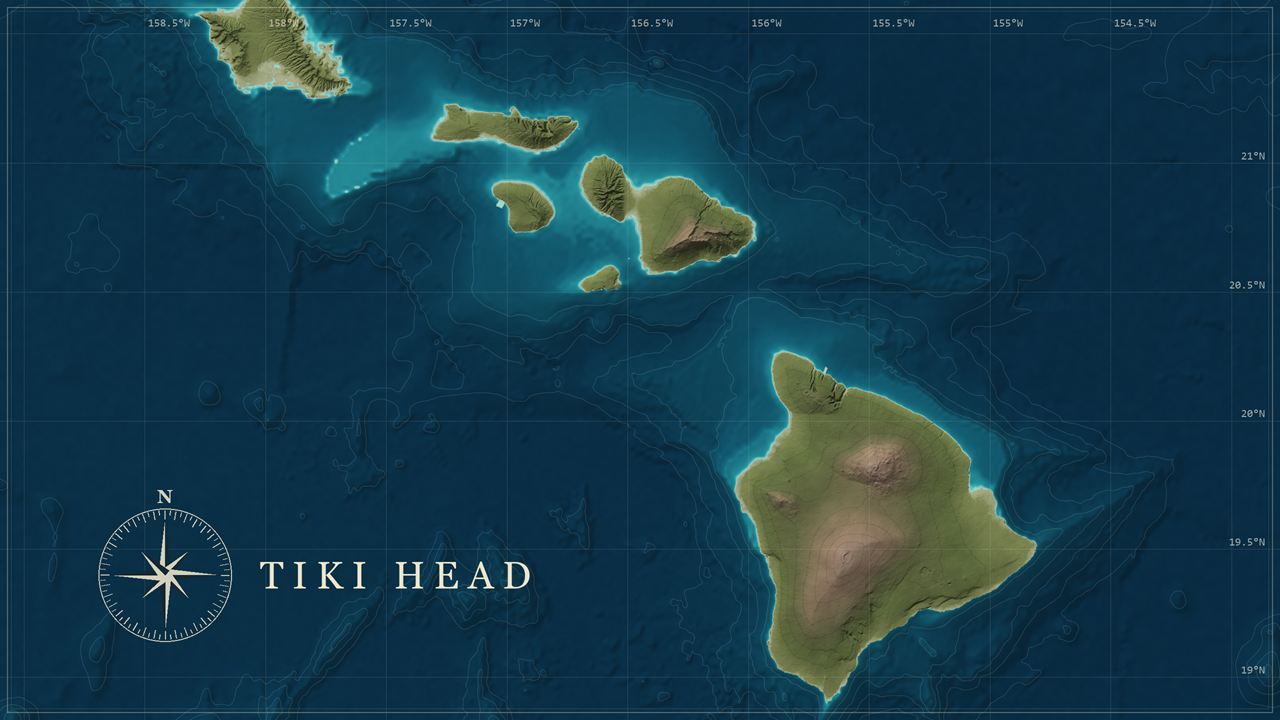
Tiki Head Linux 0.1 · Ubuntu 26.04 LTS · GNOME
A geospatial workstation on a USB stick.
QGIS, PostGIS and Python’s map tools, ready on day one. Start it from a stick to look around, then install it when you like what you see.
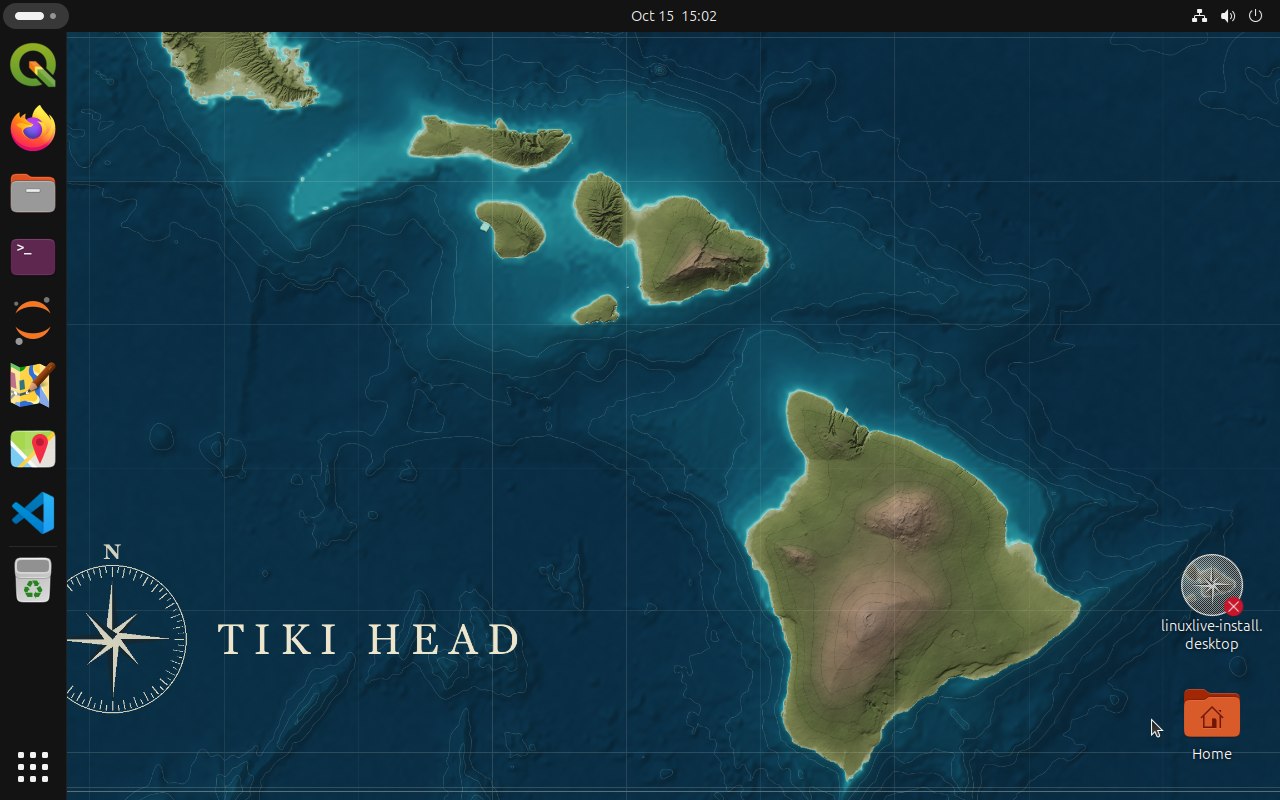
- Ubuntu 26.04 LTSGNOME 50.1, Linux 7.0.0
- 27 secondsfrom a USB stick to the desktop, in testing
- Secure Bootstarts with it on or off, UEFI or BIOS
- Live or installedtry it from the stick, keep it on a disk
What’s inside
Everything on the bench
The tools a GIS analyst reaches for, installed from Ubuntu’s own packages so they work together.
-
Desktop GIS
Map, edit and analyse on the desktop, with GRASS tools in the Processing Toolbox.
QGIS 3.40.15, GRASS GIS 8.4.2, SAGA GIS 9.9.3
-
Command-line geodata
Convert, reproject and slice data from the terminal.
GDAL/OGR 3.12.2, PROJ 9.7.1, SpatiaLite 5.1.0a, osmium 1.19.0 and 2 more
-
Spatial database
A PostGIS database of your own on every installed computer.
PostgreSQL 18.6, PostGIS 3.6.2
-
Python and notebooks
GeoPandas, Rasterio and xarray, with Jupyter in the dock.
GeoPandas 1.1.2, Shapely 2.1.2, pyproj 3.7.2, Fiona 1.10.1 and 10 more
-
OpenStreetMap and maps
Edit OpenStreetMap in JOSM, or find your way in Maps.
JOSM r19481, GNOME Maps 49.3
-
Apps from Flathub
Two browsers and a code editor, kept current by Flathub.
Firefox, Chromium, Visual Studio Code
First login
A map is waiting for you
Your home folder starts with a GIS folder, bookmarked in Files. It holds Natural Earth’s world at 1:50 million as one GeoPackage (countries, places, coastlines, lakes and rivers) and a short guide, and a QGIS project shows the same data styled like a chart.
The tiki-head-gis command lists the GIS tools and their versions and tells you whether PostGIS is running.
In a terminal
tiki-head-gis

# The sample map, styled like a chart
qgis /usr/share/tiki-head/data/world.qgz

cd ~/GIS
ogrinfo -so "Sample data/natural-earth.gpkg"Two ways to run it
Live from the stick, or installed
Live session
- Starts straight from the USB stick; nothing on the computer changes.
- Every GIS app and the sample data are there to try.
- Forgets your work at shutdown, so save it somewhere else.
- PostGIS is not running in the live session.
Installed
- The installer on the desktop puts Tiki Head on one whole disk and erases everything on it.
- No internet connection is needed to install.
- Starts faster and keeps your files between starts.
- Each person gets a PostGIS database of their own, and updates come through Ubuntu’s apt.
Built in the open
Every build is booted and checked
Tiki Head is one short spec file, built with linuxlive. Each build is booted five ways in a virtual machine (UEFI, Secure Boot and BIOS, from a USB stick and as a disc image), installed to a disk, and checked package by package against the spec.
The 0.1 ISO was built on 15 October 2026.
Ready to try it?
A 4.7 GiB download, a USB stick of 8 GB or more, and a 64-bit Intel or AMD computer.
Download Tiki Head Linux 0.1